HDD · hard drive
Hard drive data recovery
Internal or external HDD that clicks, will not spin, vanished from Windows or went blank after a format. Bring the drive to Mustamäe - work stays in the same building. If the files cannot be recovered, you do not pay.
If recovery is not possible, you pay nothing. After diagnostics we tell you what is still there and the scale of the work. +372 56 766 733 · info@taastaandmed.ee
What actually fails on a hard drive
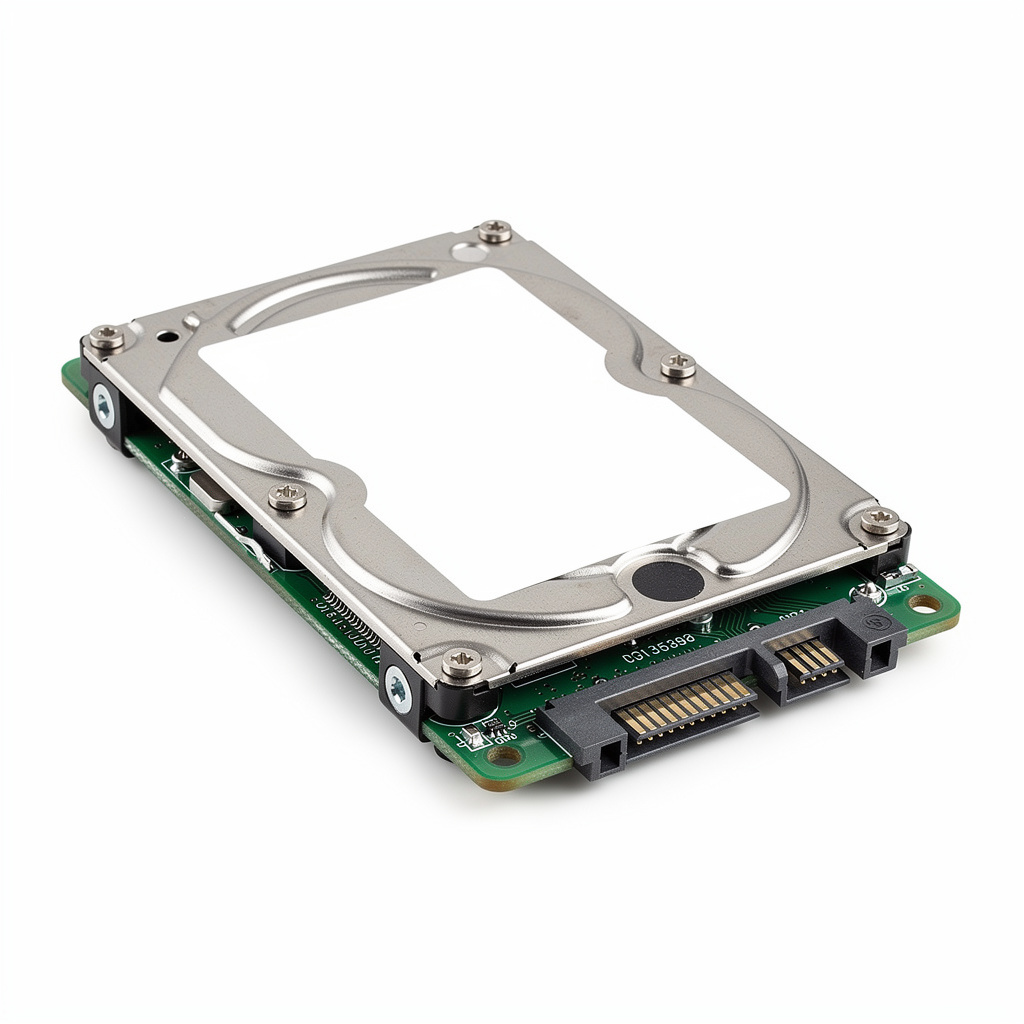
A hard drive is not a flash stick. It has a motor, heads, a magnetic surface and a small electronics board. A file can disappear in two ways: logically (delete, format, broken filesystem) or physically (heads, board, a drop). Those two do not share a button.
Logical loss often leaves the bits in place. Windows marks the space free; until something new is written there, a directory and the files can come back. Physical failure is another story. Clicking usually means the heads cannot find the surface. Recuva will not help, and neither will a reboot - what helps is not torturing the drive any further.
We take 2.5″ and 3.5″ drives, drives in USB caddies, older PATA/IDE and ordinary SATA. The brand (Seagate, WD, Toshiba, Hitachi, Samsung) matters for the model, not for the advert. Tell us the model if you know it; if not, bring the drive.
What we do on an HDD - and what we will not promise
First we see whether the drive is detected at all, whether it spins quietly or makes noise, whether the board is alive. For logical loss we image when we can and search the copy, not the dying disk. For physical damage we say whether our bench is enough. We do not claim a cleanroom or a RAID lab. If the drive needs work we do not do here, we say so - and you do not pay for recovery if the files cannot be retrieved.
We do not take whole laptops. If the data is on a laptop hard drive, remove the drive or bring only the drive. Phones, NAS and RAID stay outside: that is not our service.
Deleted documents, photos, bookkeeping
If the drive still works but a folder is empty, files left the recycle bin, or someone hit Shift+Delete - stop using the disk. The less Windows, macOS or a backup tool writes to it, the more we have to work with. After a fresh Windows install on the same disk, hope is lower, not always zero - but every hour of ordinary use eats old files.
Typical HDD symptoms
| What you hear / see | What it usually means | Do this now |
|---|---|---|
| Repeated click | Heads cannot calibrate, surface at risk | Power off. Do not open. |
| No spin, not detected | Board, power, or motor | Do not swap platters into another drive. |
| Drive present, folders empty | Logical loss, format, malware | Do not save, do not install tools on it. |
| Windows wants to format | Filesystem unreadable | Do not format. |
| Dropped / liquid | Mechanics or electronics | Wipe the outside, do not power on. |
Hard drive FAQ
Do you open the drive lid?
Not as a first step and not on every drive. Opening without need adds dust and risk. If the sound is mechanical, we stop before the surface dies.
Is SSD the same service?
No. SSDs have different logic (TRIM). This page is magnetic disks. SSD has its own page.
RAID or NAS drive?
A single disk from a NAS can come in if it is an ordinary HDD. We do not recover RAID arrays or NAS systems as a whole.
What if it fails?
You do not pay for recovery. You get the drive back.