SSD
SSD data recovery
An SSD does not behave like a hard drive. After TRIM, deleted files may be gone for good. We say that before you pay anything.
Price from 62 €
If recovery is not possible, you pay nothing. After diagnostics we tell you what is still there and the scale of the work. +372 56 766 733 · [email protected]
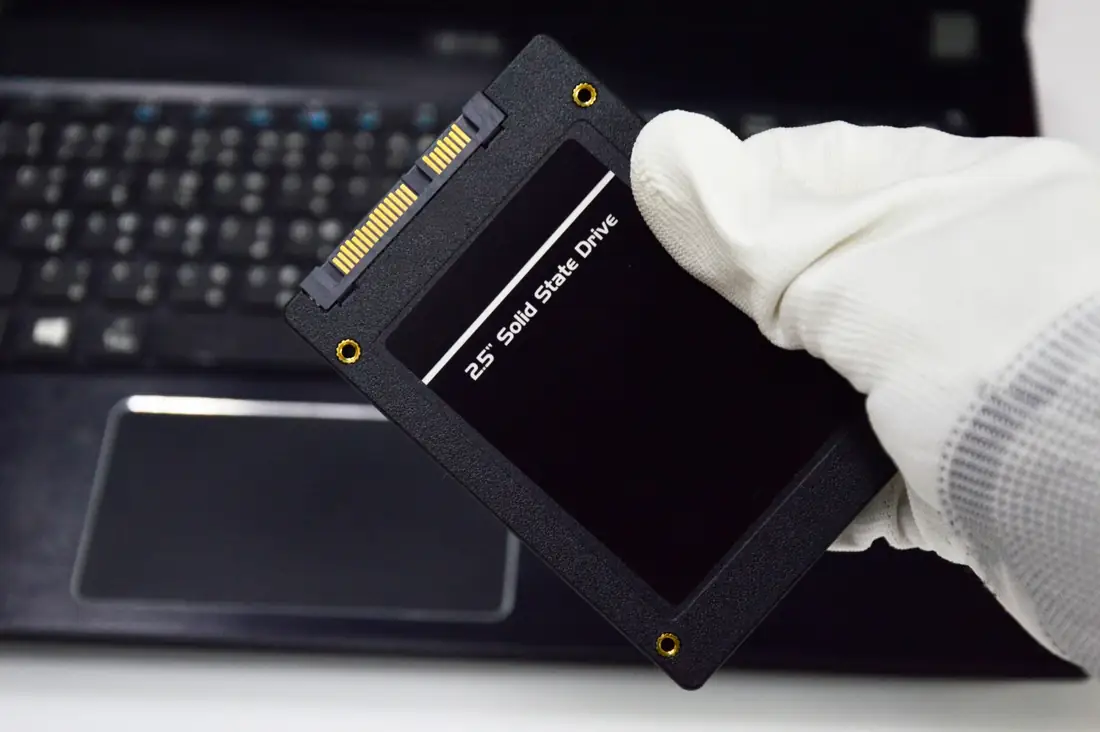
Inside an SSD
An SSD has no moving parts. The data sits in memory chips run by a controller.
- 1Controller The brain of the drive. If it fails the computer cannot see the drive even though the data is still there.
- 2NAND memory chips Your files are here. After deletion, TRIM can wipe them for good within moments.
- 3Connector (SATA/M.2) Plug and power area. A power surge often damages exactly this part.
Why SSD recovery is a different job
An SSD hides data in NAND and a controller. The operating system uses TRIM to say those blocks are free - and the drive may actually erase them. That is why “I deleted it by accident” is often harder on SSD than on HDD, not easier.
The other typical picture: the drive was there yesterday, today it is 0 bytes or not detected. That is often the controller or firmware, not “a Windows glitch”. Free tools that expect a normal filesystem then see nothing - and writing to the same SSD makes it worse.
We take SATA SSDs, NVMe/M.2 sticks and SSDs in USB enclosures. We do not take RAID or NAS. If the SSD is inside a laptop, you may bring the whole laptop (laptop service) or only the module.
What to expect
If the files are still there logically (a format without TRIM, a removed partition), there is hope. If TRIM already did its job or the NAND does not answer, we say the job is not worth it. This is not “let’s try anyway on your invoice” - if the files cannot be retrieved, you do not pay.
SSD FAQ
Can an SSD always be recovered?
No. Two common obstacles are TRIM, which permanently clears deleted data, and a dead controller. An honest assessment comes from diagnostics: we do not promise a percentage in advance. If the agreed files cannot be retrieved, no invoice is issued for the recovery.
What is TRIM and why does it make recovery harder?
TRIM is a command with which the operating system tells the SSD that certain memory blocks are no longer in use. The drive may later clear those blocks on its own and the deleted files become unreadable. This is why it is important to switch the SSD off straight after deletion or formatting and not to use it.
Is SSD recovery the same as HDD recovery?
No. The hardware, the nature of the failures and the chances of recovery are different. An HDD has moving parts and mechanical faults, an SSD has a controller and memory chips. We choose the method by the type of device and the fault, not by habit.
Are M.2 and SATA SSDs the same service?
SSDs with either interface can be brought in for diagnostics. The interface affects how the drive is connected and read, but the possibilities become clear only after the first inspection. If you have removed the drive from the computer, bring only the drive; the laptop is not needed.
What should I do if the SSD is no longer detected?
Switch off the computer and do not try to connect the drive repeatedly. A common cause is a controller fault or power damage, in which case the data may still be in the memory chips. Bring the drive to us and describe what happened before the failure.